Event Web Gallery
Share your photos online with beautiful, customizable galleries
Event web galleries let you share your photobooth event photos online with guests. Create a unique web link for each event, customize the gallery title and subtitle, and let your guests view and download their favorite moments.

Easy Sharing
Each event gets a unique web link that you can share with guests
Passcode Protection
Add optional passcode protection to keep your galleries private*
Download Photos
Guests can easily download their favorite photos directly from the gallery
Customizable
Personalize each gallery with custom titles and subtitles for your event
Share with QR Code
For events with an activated Web Gallery, your guests will be able to share photos to themselves via QR Code.

How It Works
Create Your Event
Set up your photobooth event in the Mini Photobooth app
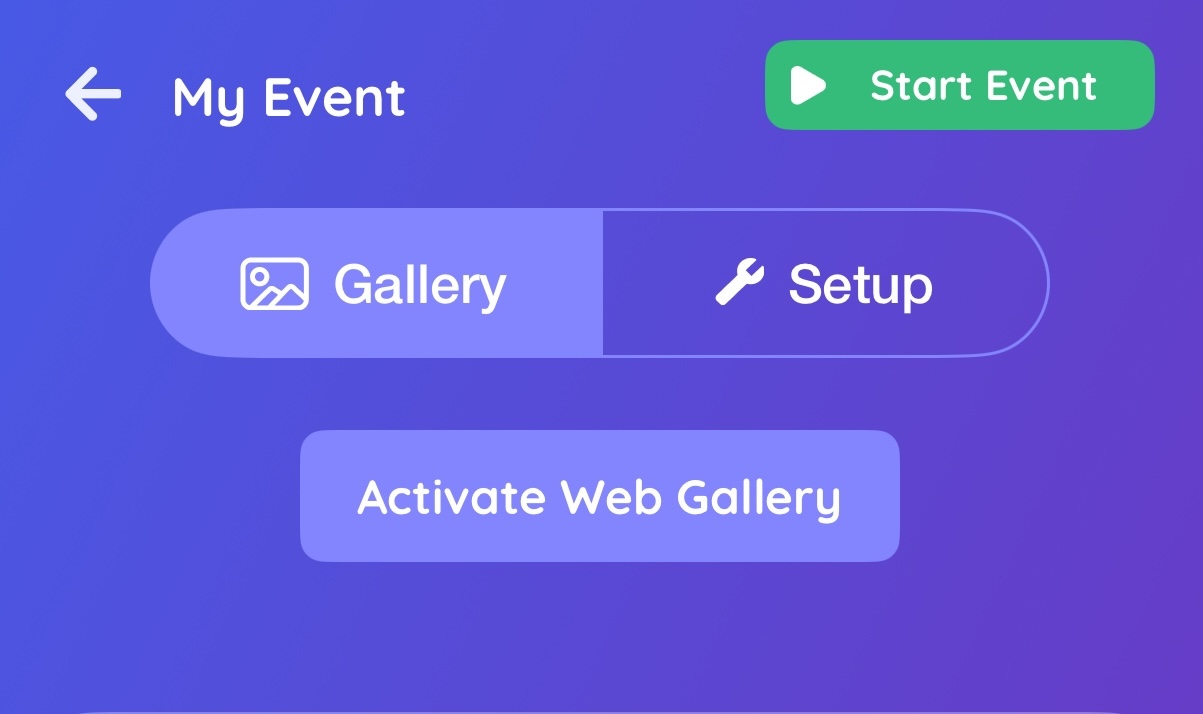
Press Activate Web Gallery
Activate your web gallery to create a unique shareable link for your event
Share Your Gallery
Your photos are automatically available in a beautiful web gallery that you can share with guests

Storage Space
Web gallery storage is determined by your subscription plan.
 250 MB
+250 MB Bonus for web subscriptions
You can monitor your storage usage anytime from your dashboard to see how much space you have available.
Syncing
Syncing works by automatically uploading your photos taken for each event with an activated web gallery.
Currently, syncing requires the app to be open. Background syncing will be added very soon.
You have full control over your sync preferences and can choose to sync over WiFi only or allow cellular data uploads as well.
Privacy
You can set a passcode for your event gallery so that the passcode is required to see the overall gallery. This adds an extra layer of security for your events.
*Note: Keep in mind that individual image URLs are always directly accessible without a passcode. This is because people often share specific photos with themselves and others.
Q&A
What happens if I delete the app while I have web galleries?
If you delete the app, the original source of the photos is deleted. Your web gallery is still active, and can be managed on our website, in your Dashboard.
What happens if I run out of storage?
If you reach your storage limit, you won't be able to upload more photos, but the photos you have already uploaded will stay up. Delete some photos or old web galleries to clear storage space so you can upload more.
What happens to my web galleries if my subscription expires or is canceled?
If you cancel your subscription, it is still active until its expiration date (the cancellation stops the renewal of the subscription). Your web galleries will be active until the expiration date, then they will be deactivated and no longer publicly accessible. To reactivate them easily, without having to do a resync from your device, just resubscribe. If a web gallery is deactivated for more than 15 days, it will be permanently deleted and will need to be resynced from your device to be available again.